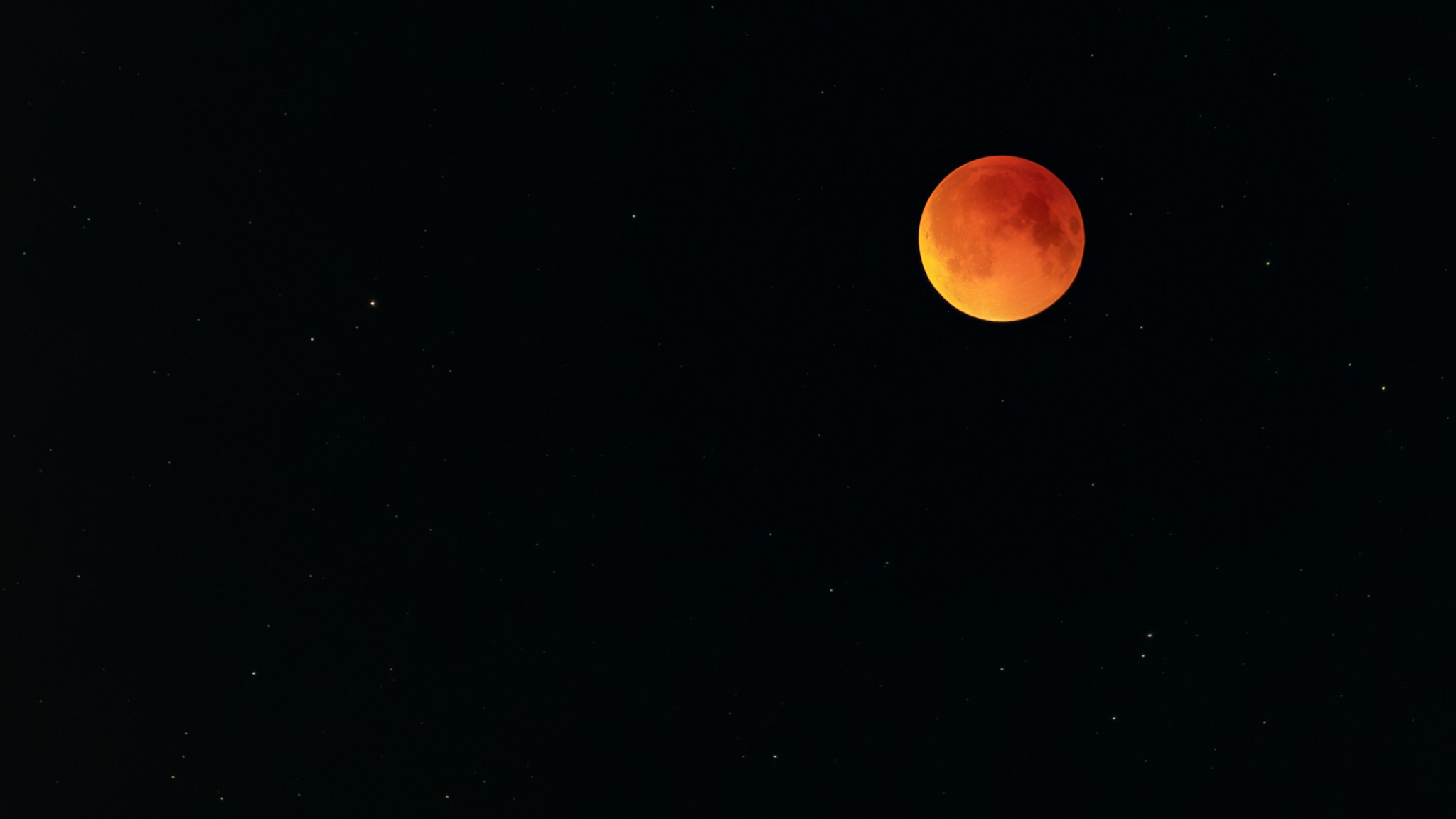
I’ve always been drawn to the moon and stargazing. There’s this quiet loneliness about it, but at the same time a kind of peaceful solitude that I really crave.
On September 7, as soon as the lunar eclipse started, I grabbed my Canon R6 and just kept shooting all the way through totality. This one turned out to be my absolute favorite… probably the best moon shot I’ve ever got!
It’s now the wallpaper on my gaming desktop. I mostly use dark black backgrounds on that machine anyway because they’re way easier on my eyes during long late night gaming sessions.
Feel free to grab these for yourself. I’ve dropped the full resolution versions below.
I was watching a random "Day in the life of" video from @lexfridman from 3 years ago and saw that he has the @kinesisergo Advantage2 Keyboard. I actually wanted that a long time back but had forgotten about it. Wondering if I should just pull the trigger… 🤔
I had been drooling over this so many years ago (like back in 2015) but just gave up because it was way over my budget for a keyboard in the first place, and the horrendous shipping and import fees would only make it even worse.
I eventually forgot about it, and fast forward 7 or 8 years, here I am, playing around on the computer while watching a Lex Fridman video from some time back, and this showed up! I went and checked it out on Amazon again, and guess what? It was available! (it still comes at a cost, as is the case with all the pretty things in life…. but at least it’s available!!)
I went back on YouTube in search of some reviews on the device but came across this other short video that pretty much sealed the deal for me.
For those of you too lazy to watch the YouTube clip, it’s from a discussion Lex had with none other than Guido van Rossum, where he explains how much he likes this keyboard.
So I did the only sensible thing one could do and went ahead and ordered it.
The #redditBlackout in response to the outrageous API pricing from reddit and all the surrounding drama, reminded me that I didn’t share how I get my daily dose of news – This is that story.
A long time ago, on a Friday evening, I created newsbeat.io so that I wouldn’t have to browse through a bunch of news sites such as #reddit, #hn anymore.
I wrote a spider to crawl through numerous news sources, gathering all the latest news on the web and also built the website to display the latest news that it collects.
I tried to designed the UI to make it quick and easy for me to find what to read.
And now, all it takes is a single glance to find out if there’s anything important I should read that day!
This has not only kept me well-informed but has also saved me a considerable amount of time over the years, which I would have otherwise spent searching for stuff to read across various news sites.
I’m also #webscraping the news sources and not relying on any APIs, so things such as recent API prices from #reddit won’t be much of a trouble.
My next plan is to implement a bookmarking feature so that I can conveniently save important stuff on the site itself. However, I haven’t had the time to do it yet.
That’s All Folks! Checkout newsbeat.io when you get a chance!
PS: I hired a designer on fiverr to improve the card layout and give the site a nostalgic look reminiscent of the good old #digg that we all loved.
PPS: If you aren’t already, follow me on twitter 😉
I’m at the start of a full work week and managed to knock out a decent chunk of work this morning… Since my schedule’s totally flexible (Love you Scrapinghub!), I usually get more done later in the day, which doesn’t leave me much time to unwind after. (But honestly, with my hours spread out like this, I’ve got these little pockets of free time sprinkled throughout the day. It’s kept me from getting too stressed, and I think 9-5 work hours are so 1980s.)
I’ve also got my biweekly catch-up with Ken coming up soon to talk work (and life, and everything else in between).
Anyway, my goal’s to tackle more work earlier in the day. So far, today’s looking solid. This is just a quick 5-minute update, so sorry if it’s a bit scattered 🙂
I’ve been looping “Waiting for My Moment” by Donald Glover (from the movie *Creed*) with some pink noise in the background while coding, and I’m absolutely loving this track. =)
In other news, we’re just 26 days out from the Sri Lankan presidential election. I don’t think Sri Lankans have ever been this pumped to vote against the ruling party in any election before…
That says a lot about this trainwreck of a government, doesn’t it?
If you’ve seen me on Facebook, you’d know how I am bombarding my friends with posts on the upcoming presidential election in Sri Lanka.
If you haven’t decided to vote Gotabaya yet, you probably will once you read the following piece published back in 2010 in The Manila Times print edition. Be sure to watch the video of the BBC interview once you finish the article.
Also Did you know that Gotabaya used to be a Unix/Solaris Administrator back in the U.S.? How amazing is that? =) Ok, enough listening to me. Go on read The Manila Times article and be sure to vote early in the morning on 16th of November. ~SeeJay
Lisbon won “Europe’s Leading City Destination 2018” award and guess where Scrapinghub decided to hold our next meetup?
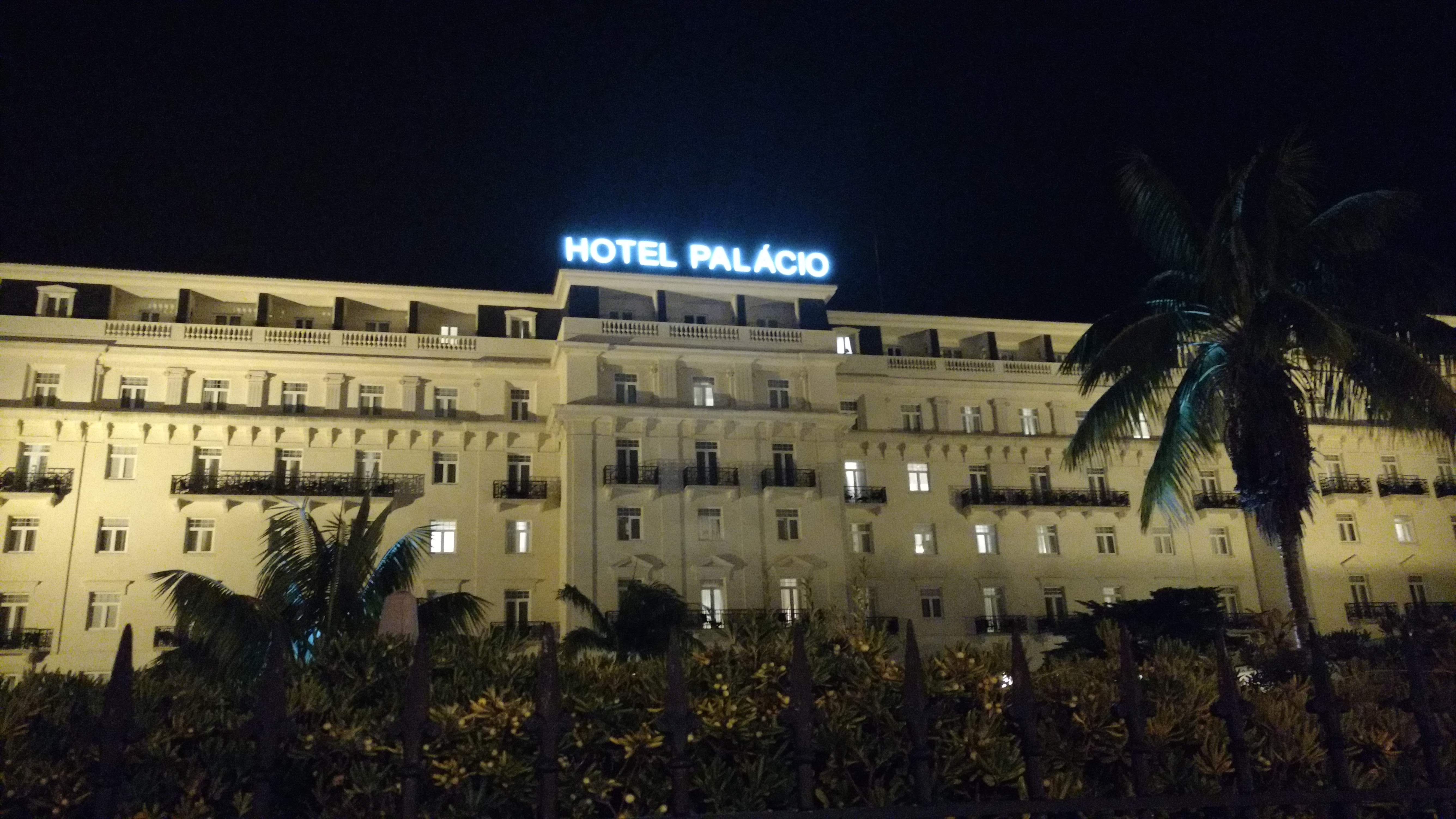
Yes, You guessed it right, We met again in Lisbon, Portugal back in November 2018 at the Scrapinghub annual get together. And we all spent about a week in one of the coolest hotels in Europe, Hotel Palácio Estoril!!! (Take that, Mr. Bond!)
The very same hotel where Ian Fleming found his inspiration for the plot of his first novel Casino Royale. The Hotel Palácio was also James Bond’s hotel in the 1969 film On Her Majesty’s Secret Service.
So I prepared for days as usual… trying to find that balance between bringing enough stuff to cover a trip which is supposed to take about a week…
…and failed miserably and ended up packing a luggage full of cloths.
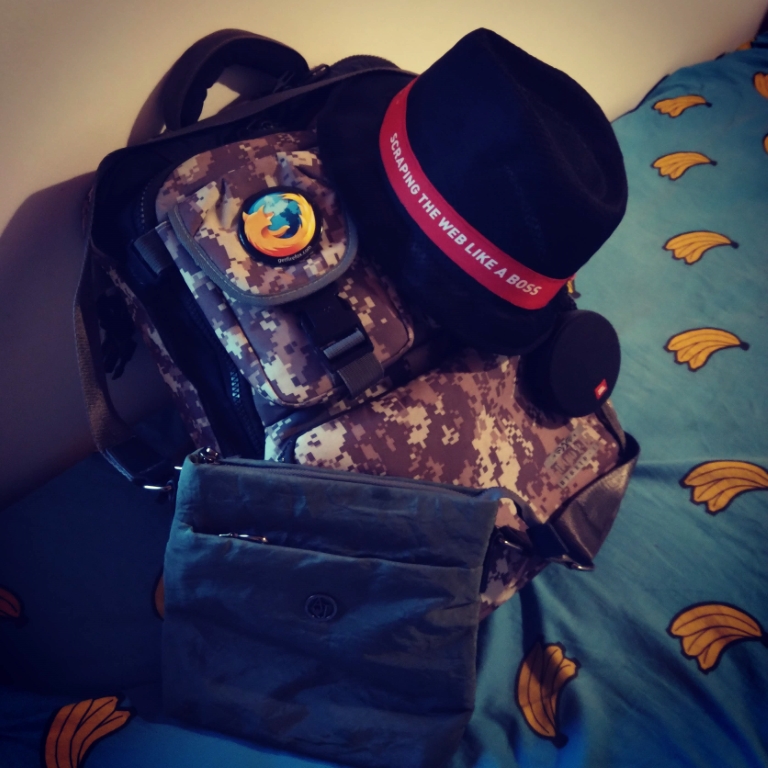
My travel companions.
As usual I was driven to the airport by my little sister. My parents were there as well.
I jumped on an airplane as one should, and landed in Dubai…
…where I had to run across the airport to catch another airplane that flew me to Lisbon, Portugal.
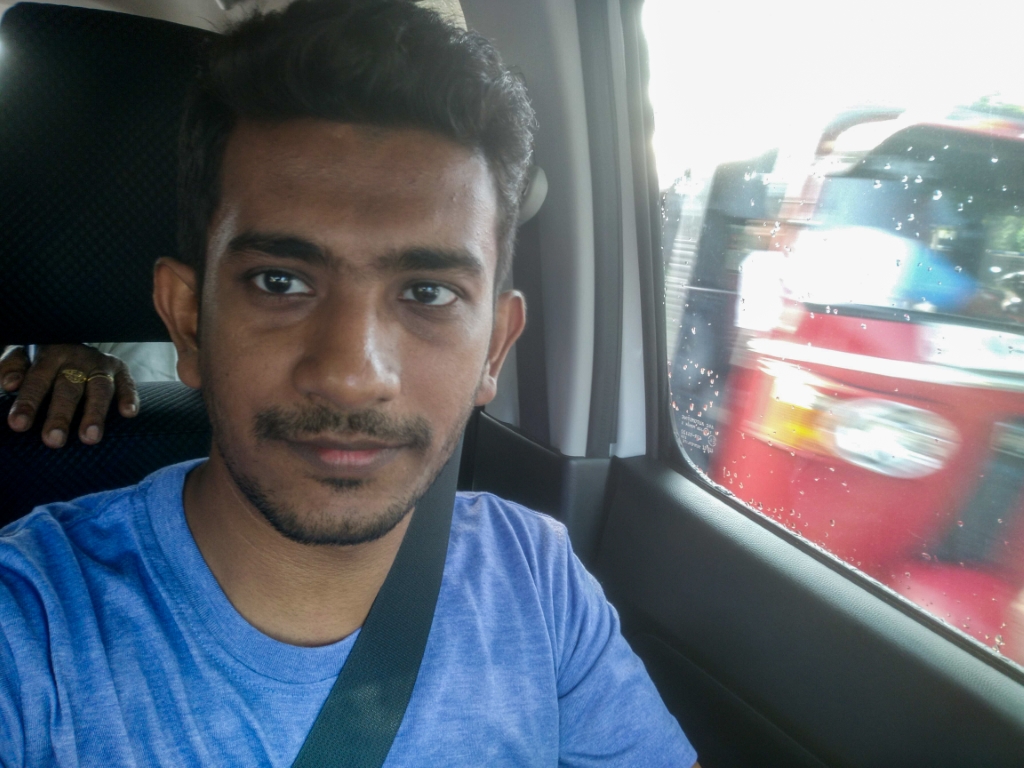
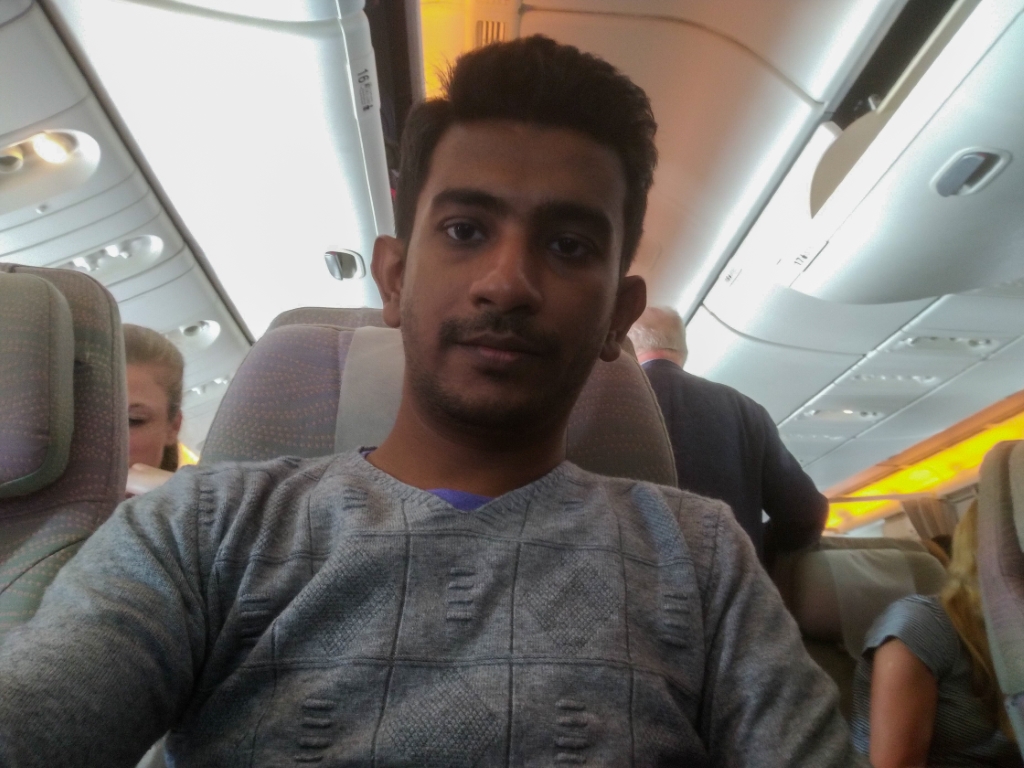
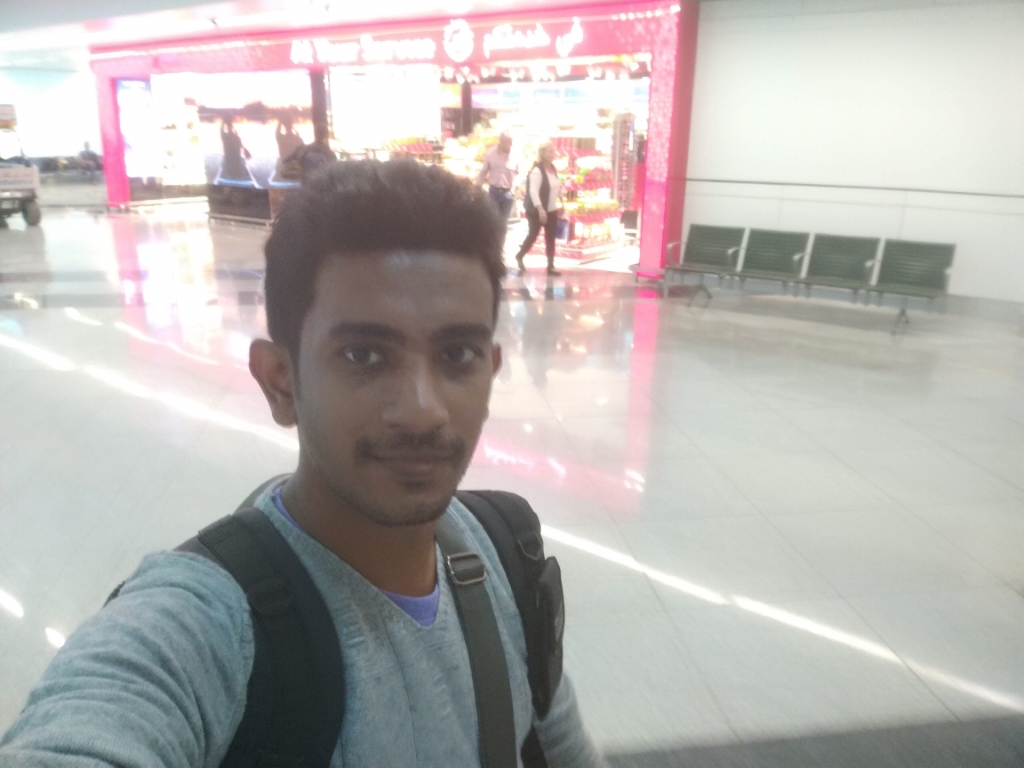
No matter how busy I was trying to not miss my next flight, I did not forget to take the occasional selfie…
Priorities, people!
So I landed in Lisbon and the guy who was driving me to the hotel said there’s another Scrapinghubber coming at the same time… Turns out he had thought my five part name as two different people! 😐 (Yes, I have 5 names in my passport… Yes I know! “The Names Bond, James Bond.” Not going to be me.)
Can’t believe I ruined this shot! I thought my Nokia X6 (Nokia 6.1 Plus) Would be capable of handling the low light situation there, I was clearly wrong! 😐
Next morning I went to the four seasons restaurant at the hotel and joined Pablo, Daniel, Agustin and Alexander for breakfast.
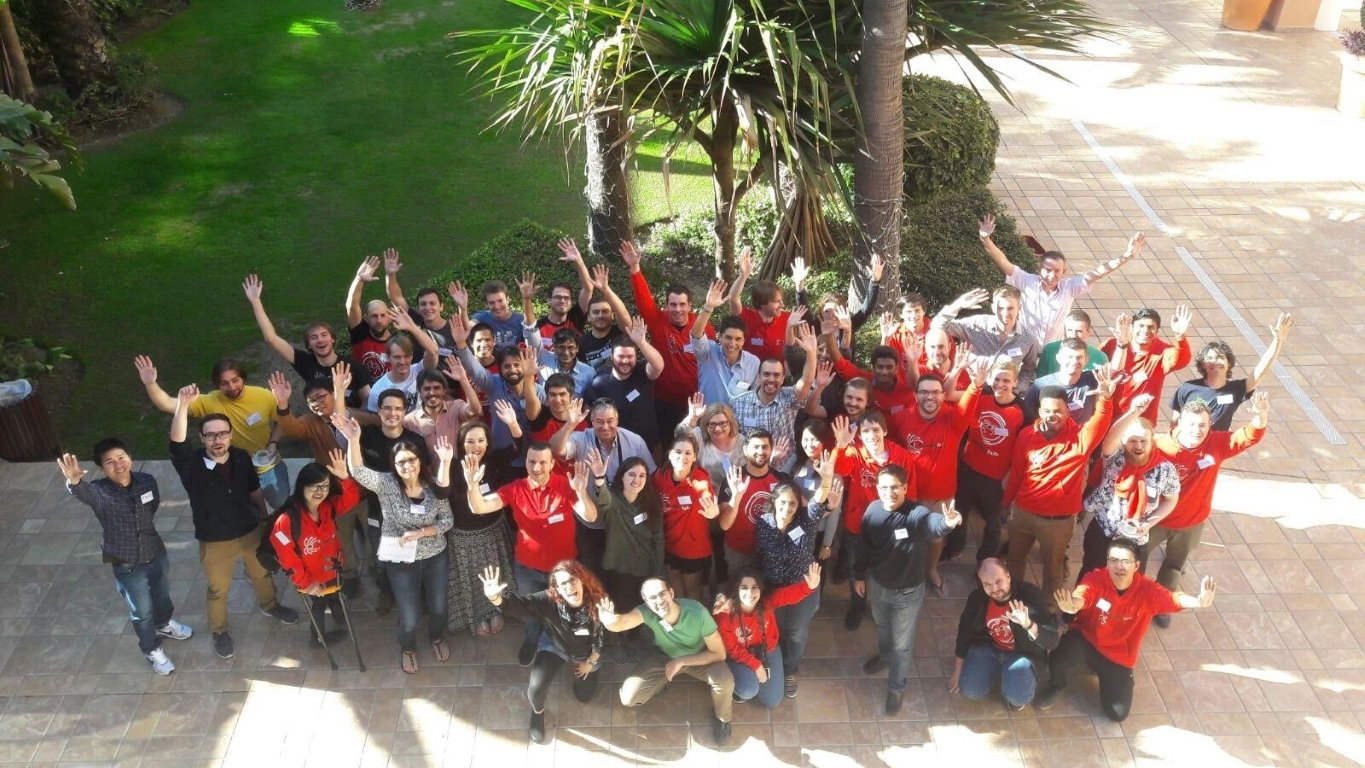
Yes, you read it right! After almost 3 years of working together totally remote, I finally got to meet my awesome colleagues at Scrapinghub back in November 2017 when we had our first ever company get together in Estepona, Spain.
Estepona Sunrises are to die for.
So my flight was around 10:30 pm and I was driven to the airport by my little sister two hours before. She has staff access there and knows everybody so I got the total VIP treatment and the whole process was super comfortable for me. (Of course It did help that I had all the documents in proper order, as airport security is no joke, no matter how important of a person you are :D)
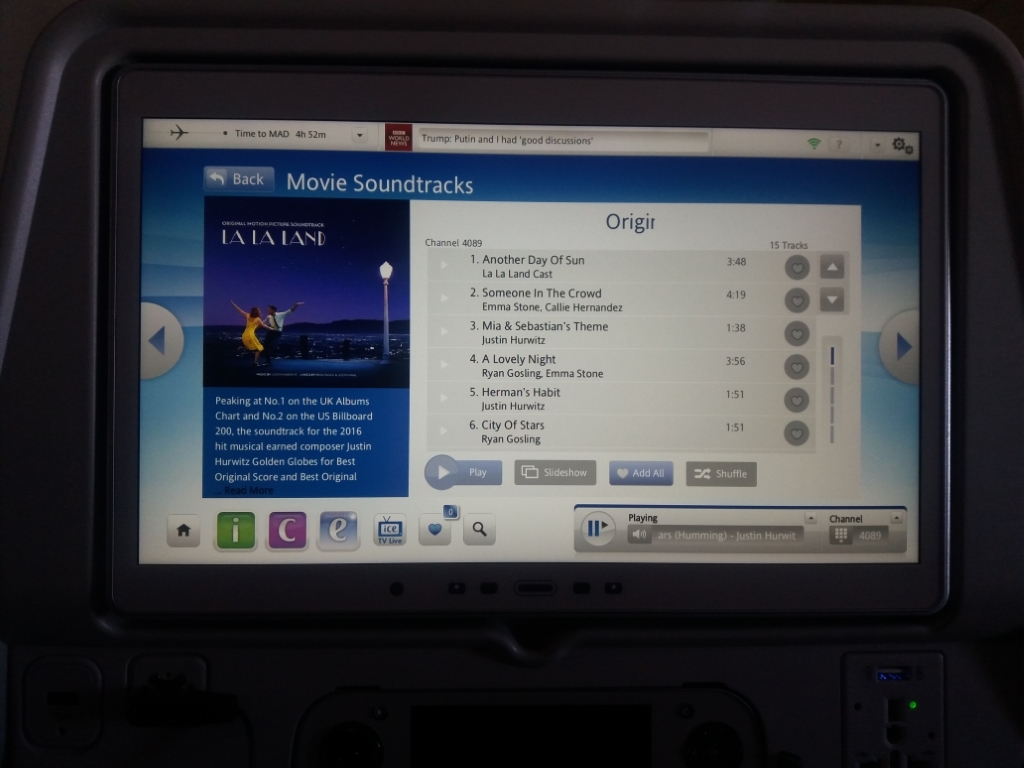
City of stars forever!
I was just about to step outside of the window for some fresh air when I saw the warning sign =)
I was driven from Malaga airport to Estepona by this wonderful gentleman with a BMW… BMW’s are somewhat of an elite vehicle in Sri Lanka and I had not been in one until this so I was pretty thrilled to have that experience. It was a comfortable drive; took about 45 minutes to the hotel.
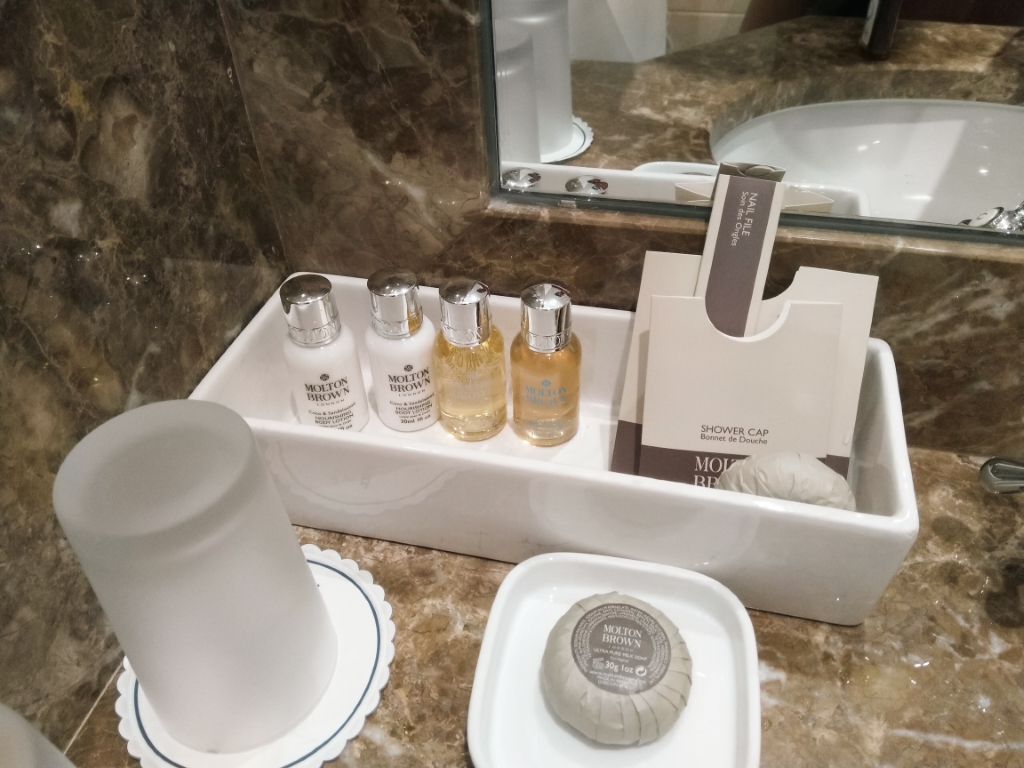
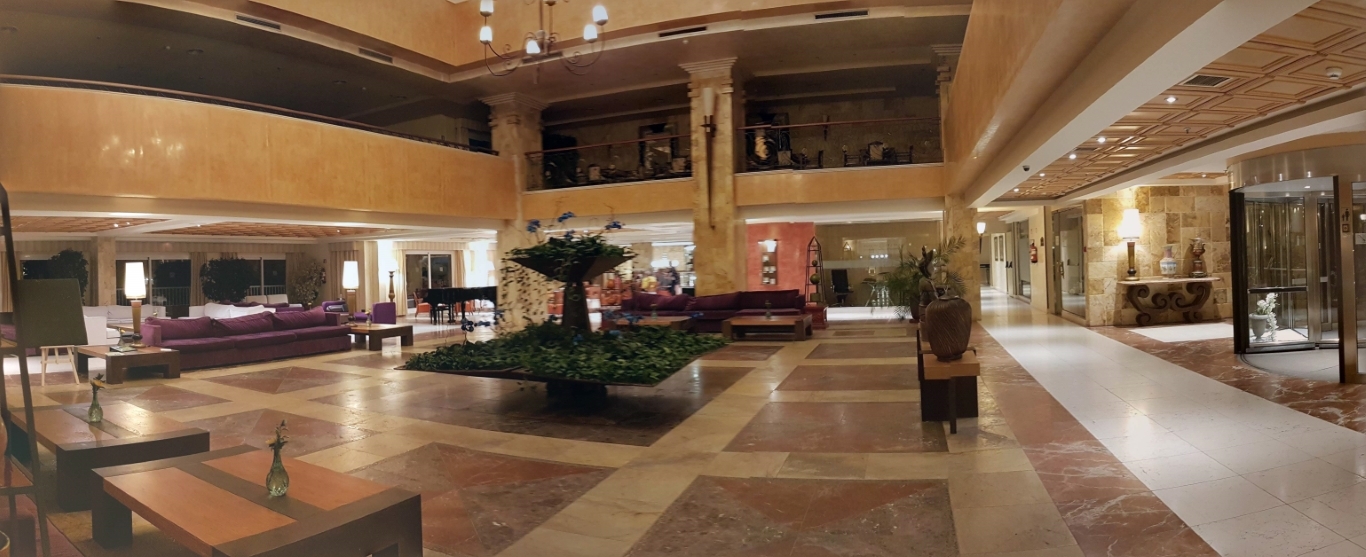
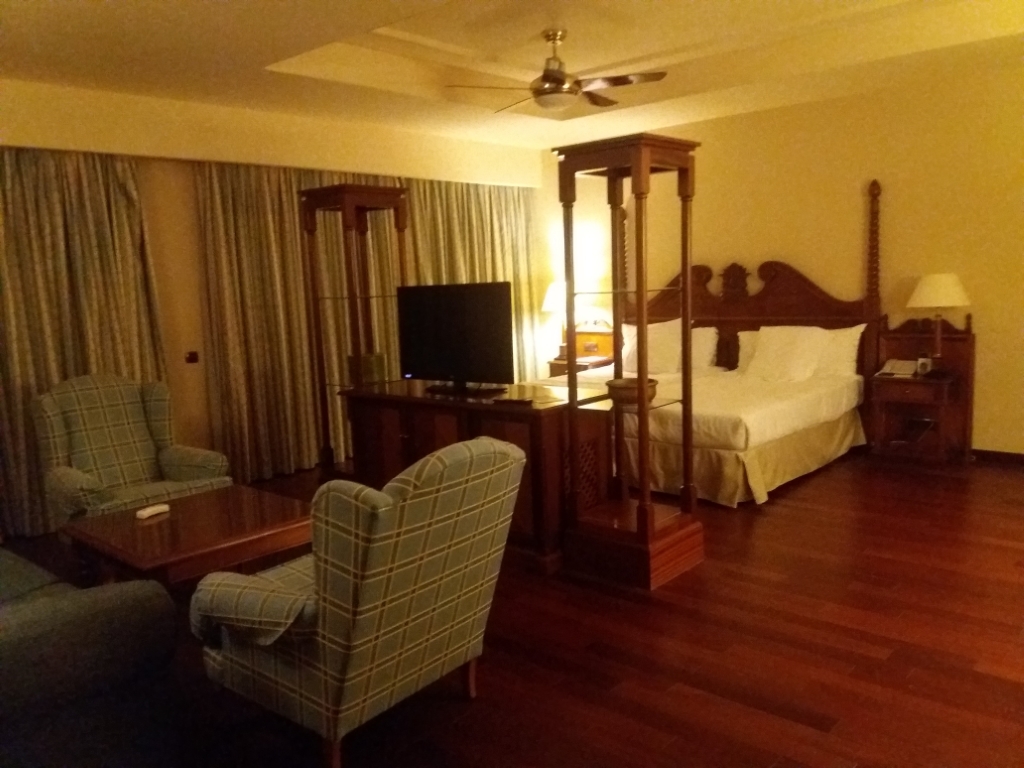
Finally we came to Elba Estepona! It looked just as magnificent as I imagined!
Main entrance was this really cool rotating door which kept the inside of the hotel away from the cold air outside.
To be continued…
As I came out of the hotel, my ride to the airport arrived and the chauffeur put all my luggage into the back of the vehicle. I turned around and took one last look at the magnificent main entrance of the Gran Hotel Elba Estepona, where I had both the most wonderful time with awesome people and also indulged in the luxuries of solitude and quiet with a view that is absolutely out of this world, and whispered to myself “Until next time!”
And then I jumped into the vehicle that was going to take me back to the airport, This time, another Sri Lankas’s favorite, a Mercedes…
Just stumbled across this for the millionth time and figured I’d stash a backup here, just in case the Vogons are serious about that intergalactic highway.
I’m kinda embarrassed to admit this, but this is the best time I’ve managed to track so far.
One of the most useful things for me with the Xiaomi Mi Band is the sleep tracker. I check my sleep data pretty much every morning, and it helps me figure out if I got enough rest the night before and what to do if when I haven’t.
I’ve known for a long time that I usually don’t get enough sleep at night, and I’m not exactly proud of it. I find it way easier to focus at night because it’s so peaceful and calm. While some of you “early to bed, early to rise” folks might not get this, I’m sure the night owls out there totally do.
But whatever your sleep style is, we can all agree on one thing: not getting enough sleep comes with some serious health risks. Seriously, Google it right now! You’ll find tons of research showing how bad sleep deprivation can be. I was gonna link some articles I’ve read about this before, but googling them floodedmewitha bunchmore. I skimmed a couple, and it freaked me out so much that instead of finishing this post last night around midnight, I went straight to bed!
Anyway, I’ve been tracking my sleep for a few weeks now, and I know I need to step it up. Don’t get me wrong, I always knew I wasn’t getting enough sleep, I just didn’t have the hard numbers… or maybe I was too lazy to actually track it. That’s why the Mi Band’s so helpful, it does all the work for me. Now I know I usually get between 3 to 5 hours a night, around 3 if I stay up too late, and just over 5 if I hit the sack a bit “early.”
Now that I’ve got a clear picture of how much sleep I’m getting and what I need to fix, it’s one less thing to stress about. And honestly, if you saw my numbers, you’d see I don’t have that much to tweak. Since I work from home all the time, I can sleep whenever I want and wake up whenever I feel like it. Some of you who have to get up early to commute might think it’s tougher for you to fix your sleep, trust me, it’s not! I’d argue it’s actually harder for me ‘cause I don’t have that nudge to stick to a set schedule. I end up staying up too late and, for some weird reason, waking up earlier than I should.
My point? Whether you can pick your wake-up time or not, there’s almost always a way to carve out enough sleep (and if there isn’t, you need to rethink what you’re doing, because you’re probably better off alive). I’ve been slacking on this for way too long, but I’m set on changing that now.
So how do we pull this off? Easy! track your daily sleep habits and adjust accordingly. Sort out your schedule ‘til you’re getting at least 6 hours (maybe 7, depending on how you feel). I totally recommend grabbing a sleep tracker. Because it’s been a game-changer for me. I tried some Android apps a while back, but they didn’t cut it. I don’t like keeping my phone that close to me in bed, and I’m not even sure how accurate they are. So, get a real sleep tracker (I mean, $20+ for a shot at better health is a steal =) ).
Once you know how much sleep you’re getting (or how little, if you’re like me), figure out how much more you need for a healthy amount and set up a schedule.
And most importantly, stick to that sleep schedule like your life depends on it. ‘cause it probably does!